Your essential Media Center
Easy, Fast, Stable
Organize and play your movie and series library from local drives and network shares, with an elegant and intuitive interface inspired by popular streaming platforms.
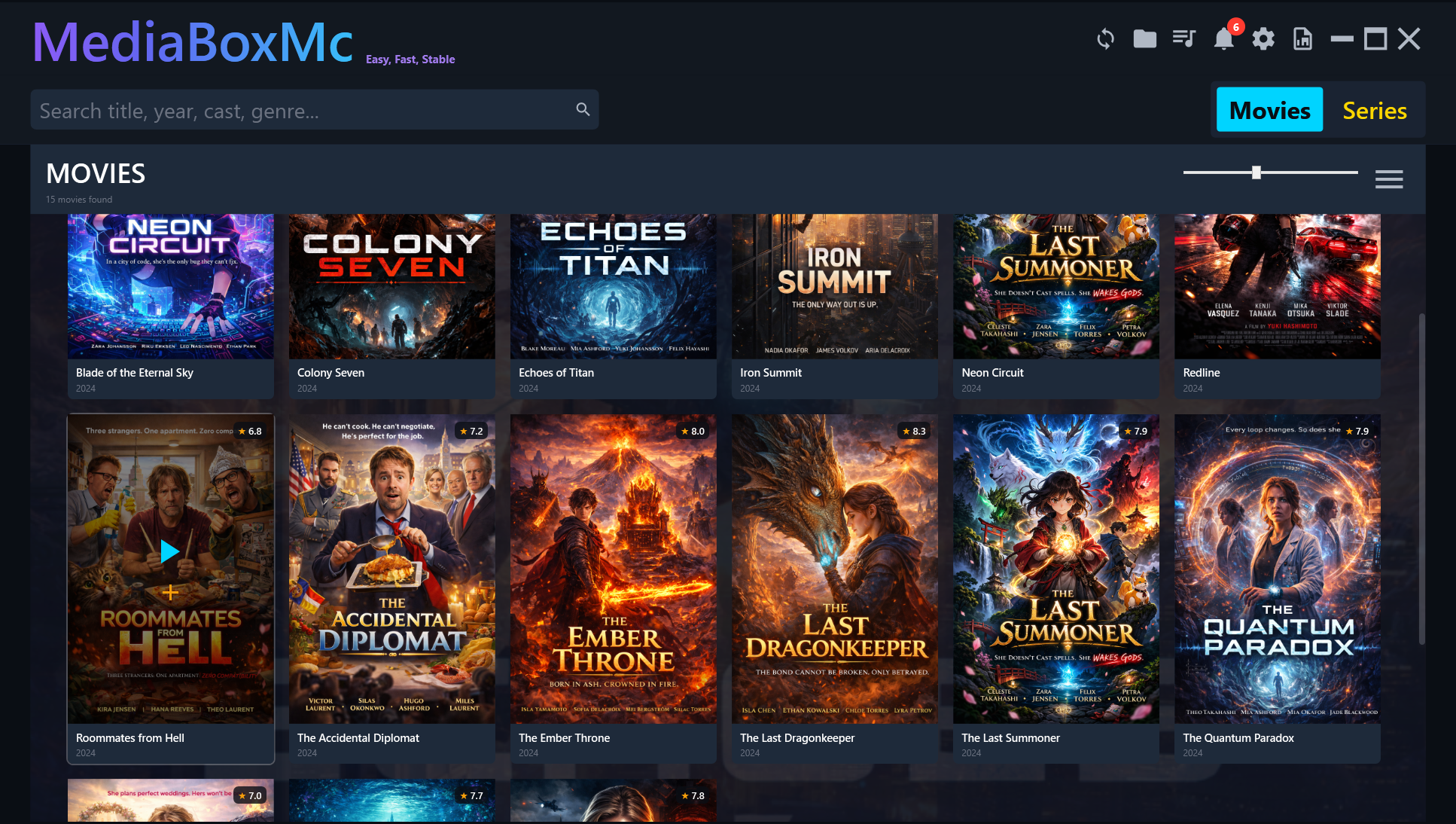
Everything you need
MediaBoxMC brings together the essential features of a media center in a simple, elegant and high-performance app.
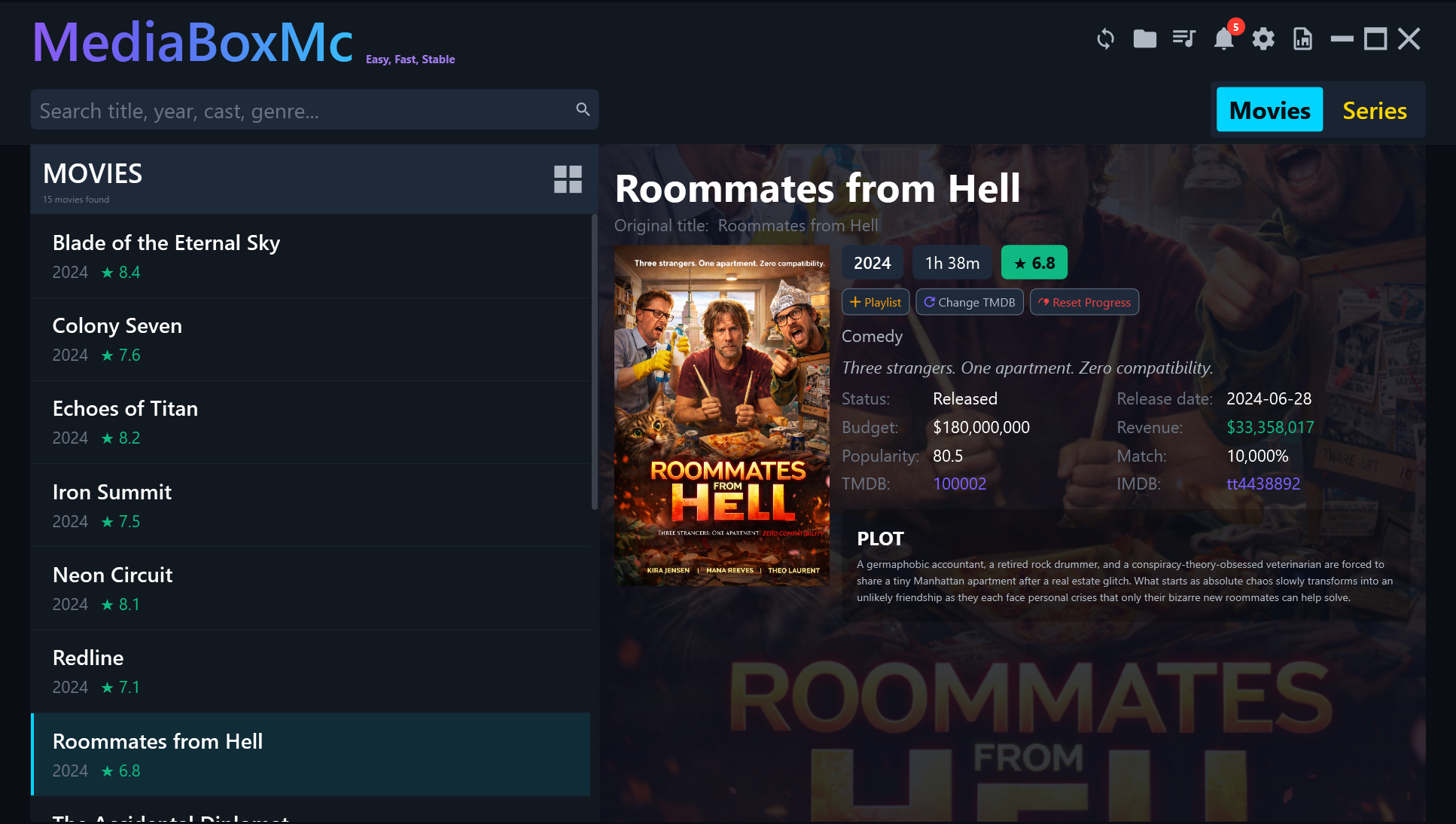
Movie & Series Library
Automatic scanning of local folders and network shares (NAS/SMB). Metadata and covers from TMDB, Netflix-style tile view or compact list.
Integrated MPV Player
Play any video format with hardware decoding. Three presets: Quality, Balanced, Performance.
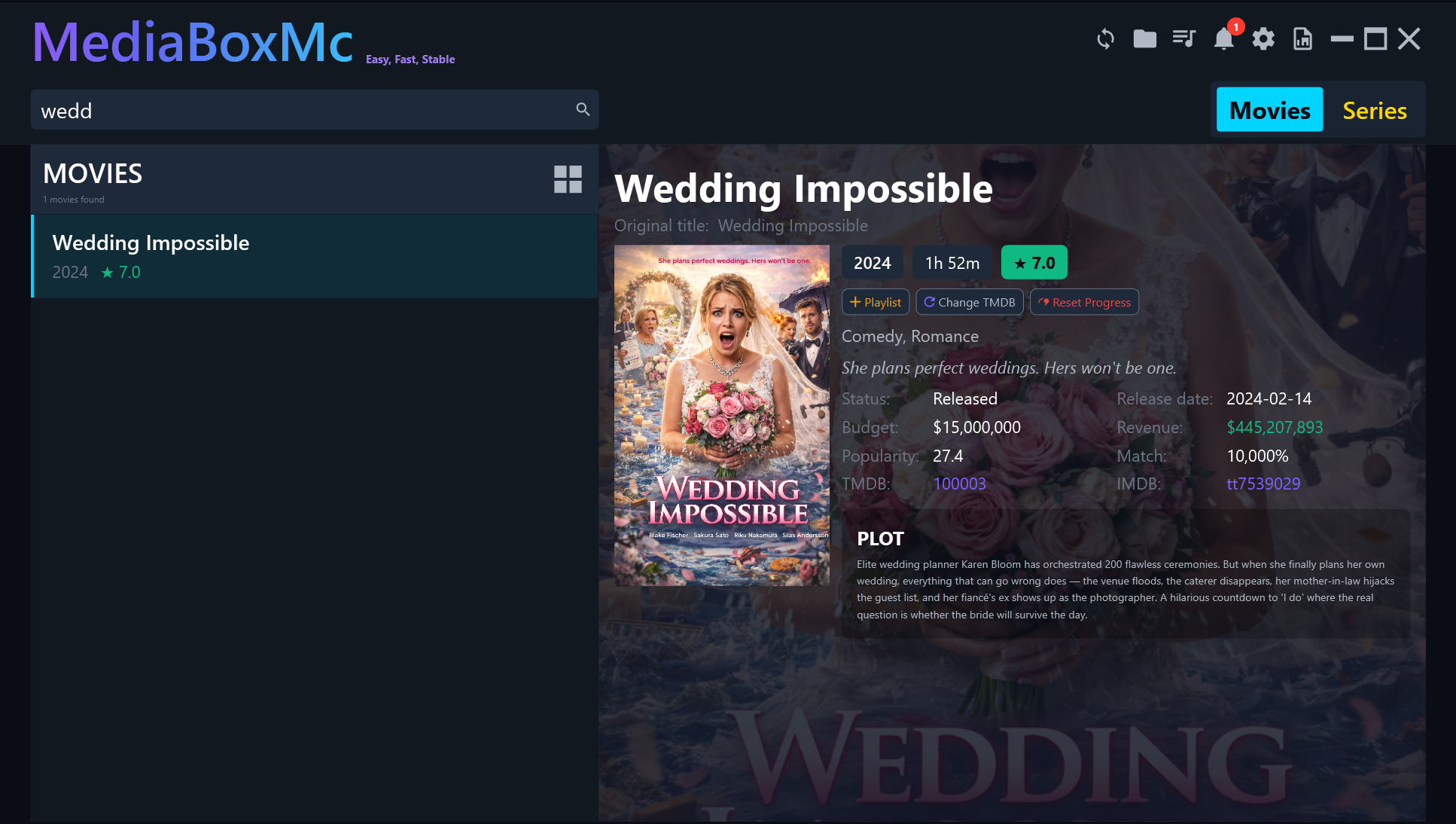
Smart Search
Search by title, year, cast or genre. Instant results even with libraries of thousands of titles.
Continue Watching
Resume movies and shows from exactly where you left off. Progress bar visible on every poster.
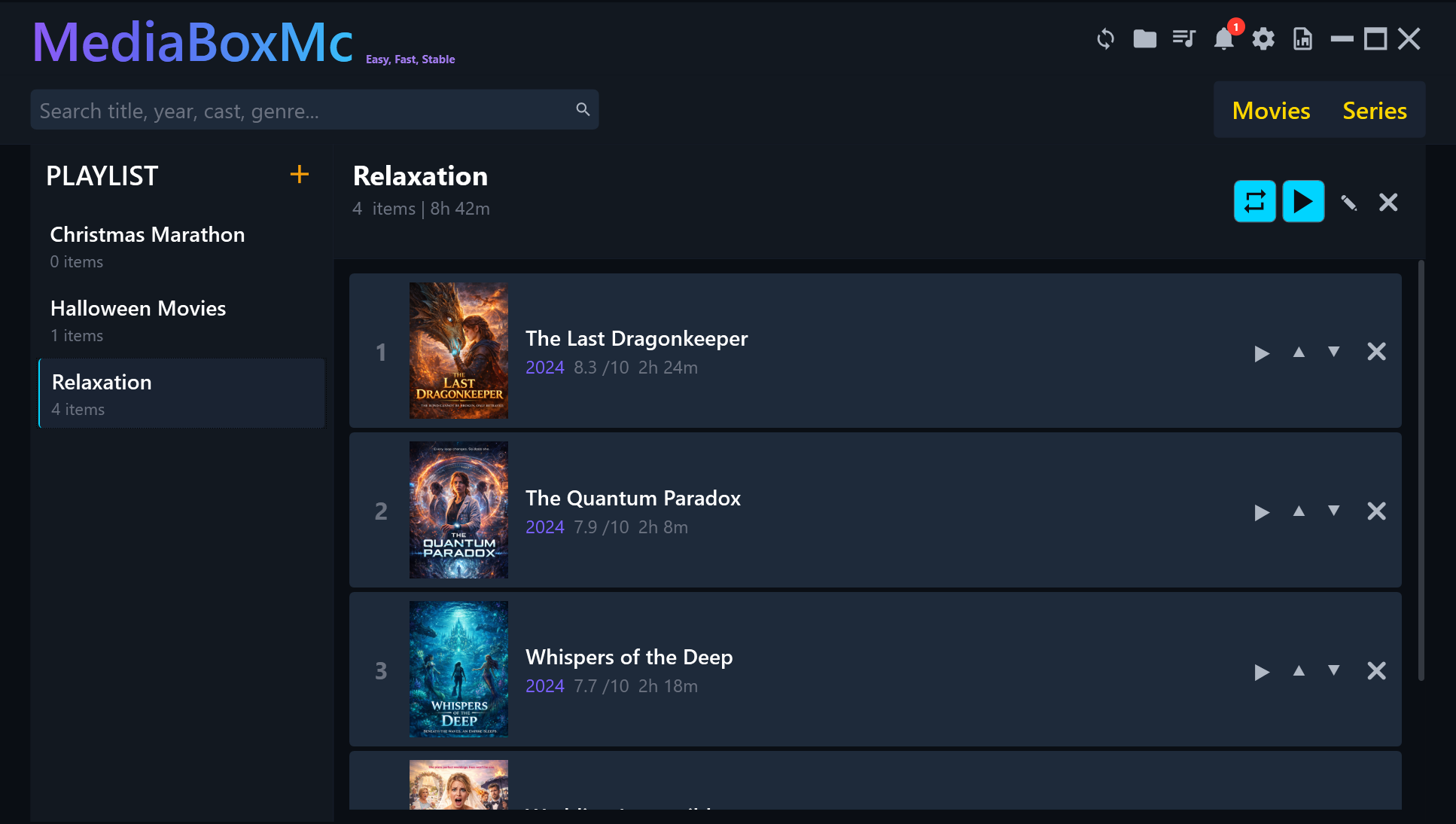
Custom Playlists
Create playlists with movies, episodes or entire seasons. Play in sequence or loop.
Simple & Lightweight
One-click install from the Microsoft Store. Zero configuration, elegant dark interface, minimal resources.
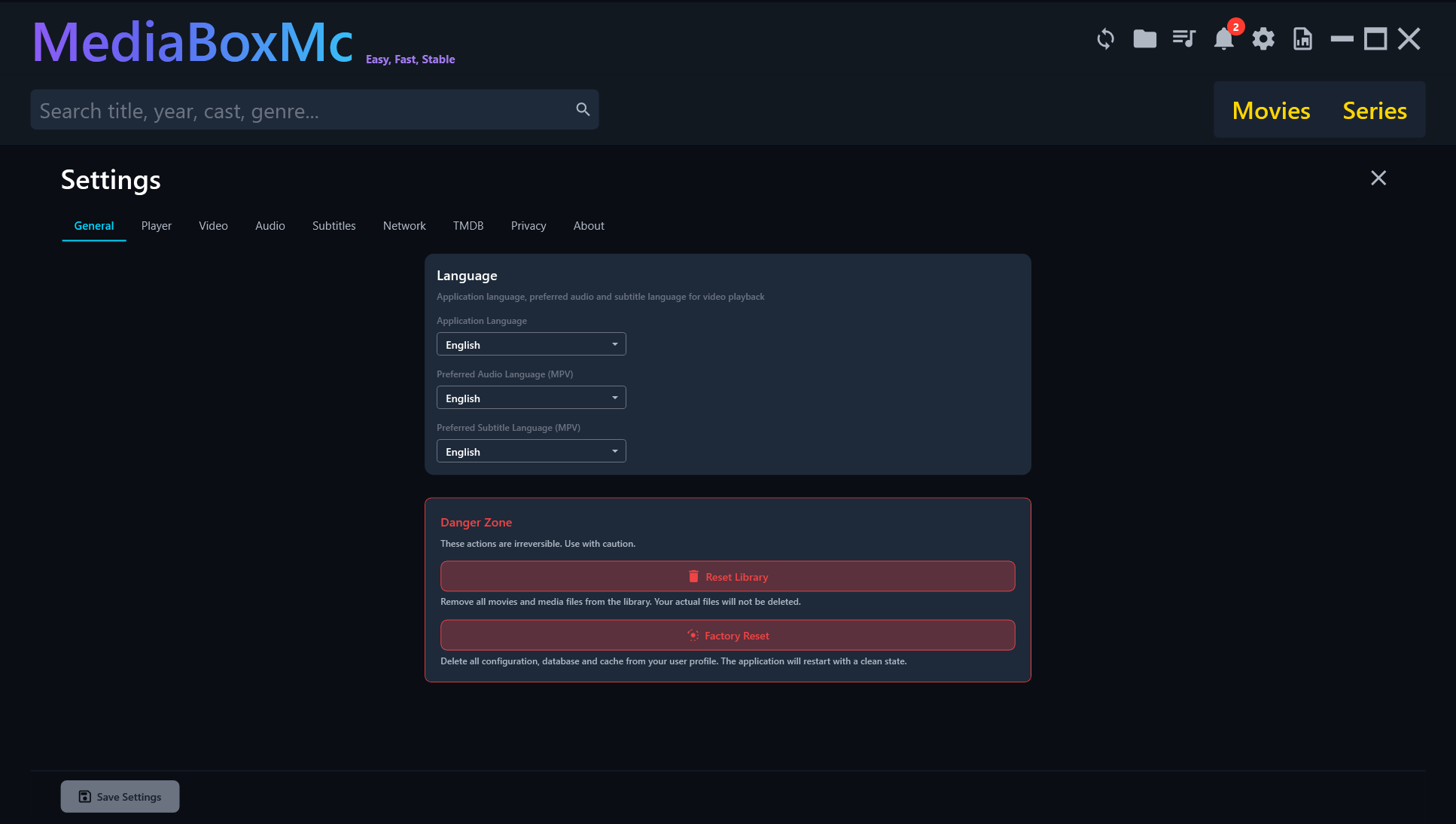
See MediaBoxMC in action
An interface designed to be beautiful and functional. See how it looks.
How it works
Getting started with MediaBoxMC is very easy. Four steps and you're ready.
Download and install
Install MediaBoxMC from the Microsoft Store or download it from the website in seconds.
Add your folders
Tell MediaBoxMC where your movies and seriess are: local drives, external drives or NAS.
Automatic scanning
The app scans your files, downloads metadata and covers from TMDB and organizes everything automatically.
Enjoy your content
Browse, search and play your content with a modern and intuitive interface.
System requirements
MediaBoxMC is designed to perform best on modern hardware with Windows 10 or 11.
Minimum
- OS: Windows 10 (build 19041+) or Windows 11 (64-bit)
- CPU: Dual-core 1.5 GHz
- RAM: 4 GB
- Disk: ~100 MB + cache
Recommended
- OS: Windows 11 23H2+
- CPU: Quad-core 2.5 GHz+
- RAM: 8 GB+
- GPU: DirectX 11 (for hardware decoding)
Frequently asked questions
Have questions? Here are answers to the most common ones.
Yes, MediaBoxMC is currently in public beta and all features are free. In the future a freemium model with a one-time purchase for premium features will be available.
Yes, MediaBoxMC supports Windows 10 (build 19041 or later) and Windows 11, both 64-bit.
Thanks to the integrated MPV player, MediaBoxMC supports virtually any format: MP4, MKV, AVI, MOV, WMV, H.264, H.265/HEVC, VP9, AV1 and many more with hardware decoding.
Absolutely yes. MediaBoxMC does not upload any files to external servers. All data stays on your computer locally. The only external communication is with TMDB to download metadata and covers.
MediaBoxMC uses the TMDB (The Movie Database) API to retrieve covers, plots, cast and information. Only titles are sent for searching, no personal data.
Yes, MediaBoxMC can scan both local folders (internal and external drives) and Windows network shares (NAS, SMB/CIFS). All your files are accessible from a single point.
Ready to try MediaBoxMC?
Easy, Fast, Stable
Download the free beta and turn your PC into the media center you've always wanted.
Free • No registration • Windows 10/11 64-bit • Available on Microsoft Store